
Make a video montage of your moments
Bring the moments you want to remember together in one short, full-screen portrait video. You decide which photos and clips belong in it.

Set it up in Antici
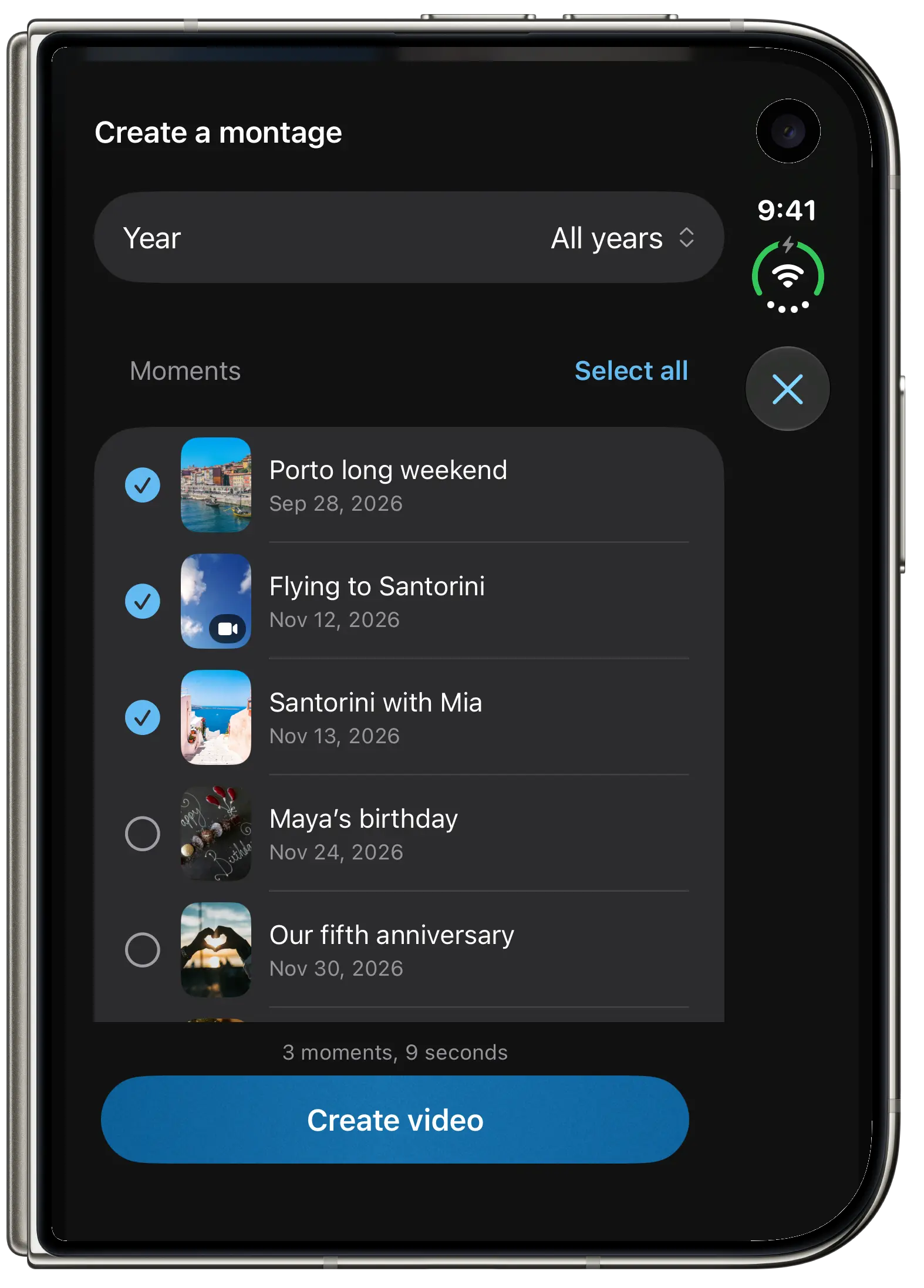
- Open Moments and choose the montage control. Moments need a photo or video to appear in the media selection.
- Choose a year if you want a yearly recap. Select individual moments or use Select all above the list.
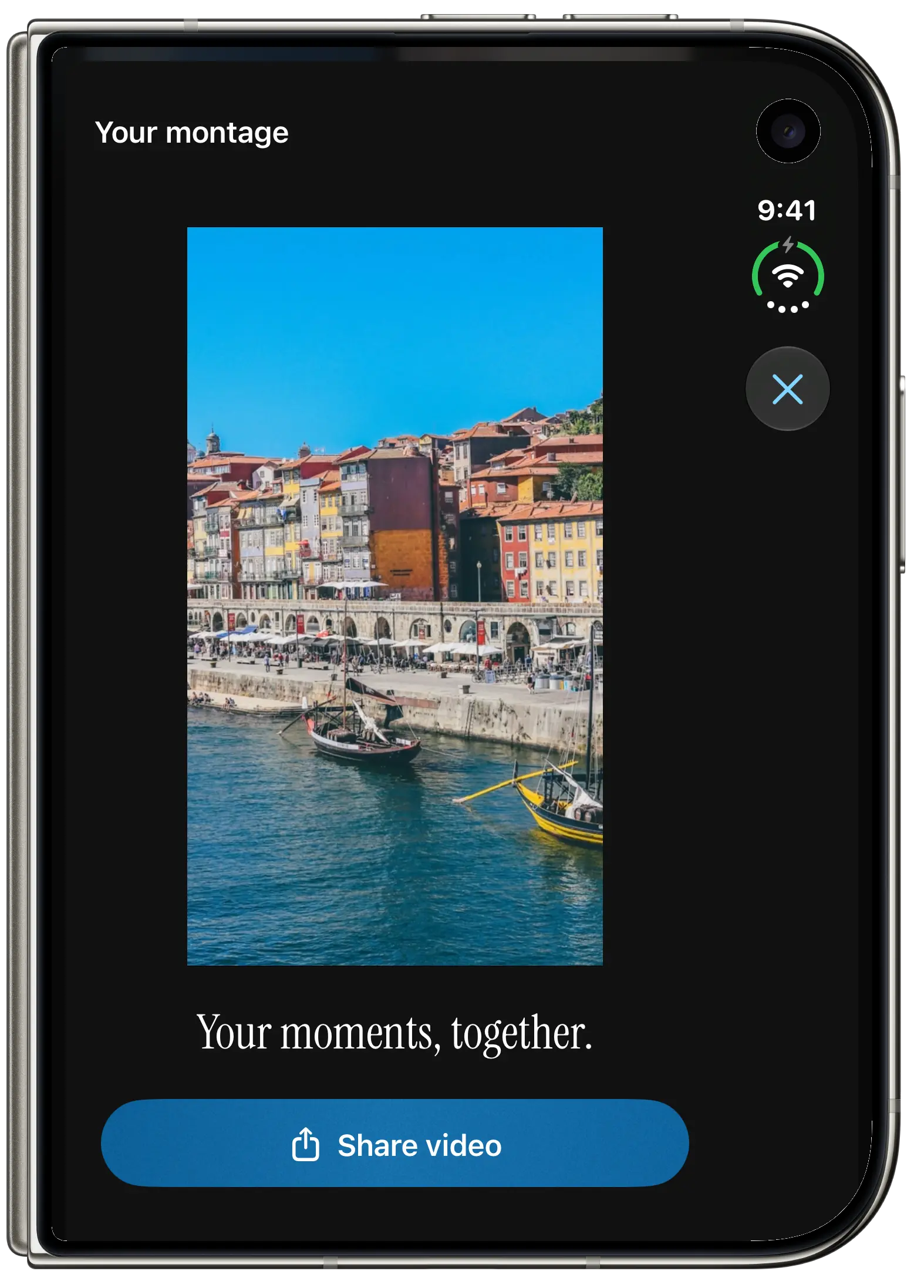
- Create the montage, preview the video and choose Share video to save it or send it to another app.
A year of moments, whenever you want
The year picker brings past years within reach without waiting for New Year. Select a year and keep only the moments you want to share.
Made for a portrait video
The montage fills the frame with your selected media. Free exports include the Antici logo in the bottom right. Antici Premium removes this watermark.
Start free with 5 moments and 10 categories, photos, videos, reminders and the small Home Screen widget. Premium adds unlimited moments and categories, larger and Lock Screen widgets, private iCloud sync and watermark-free sharing.
More ways to use Antici