Antici

Something to
look forward to.

The trip you booked. A birthday. Your next visit home. Give the date a photo or a five-second video, and count down with Antici.

Download on the App Store
Take a look around
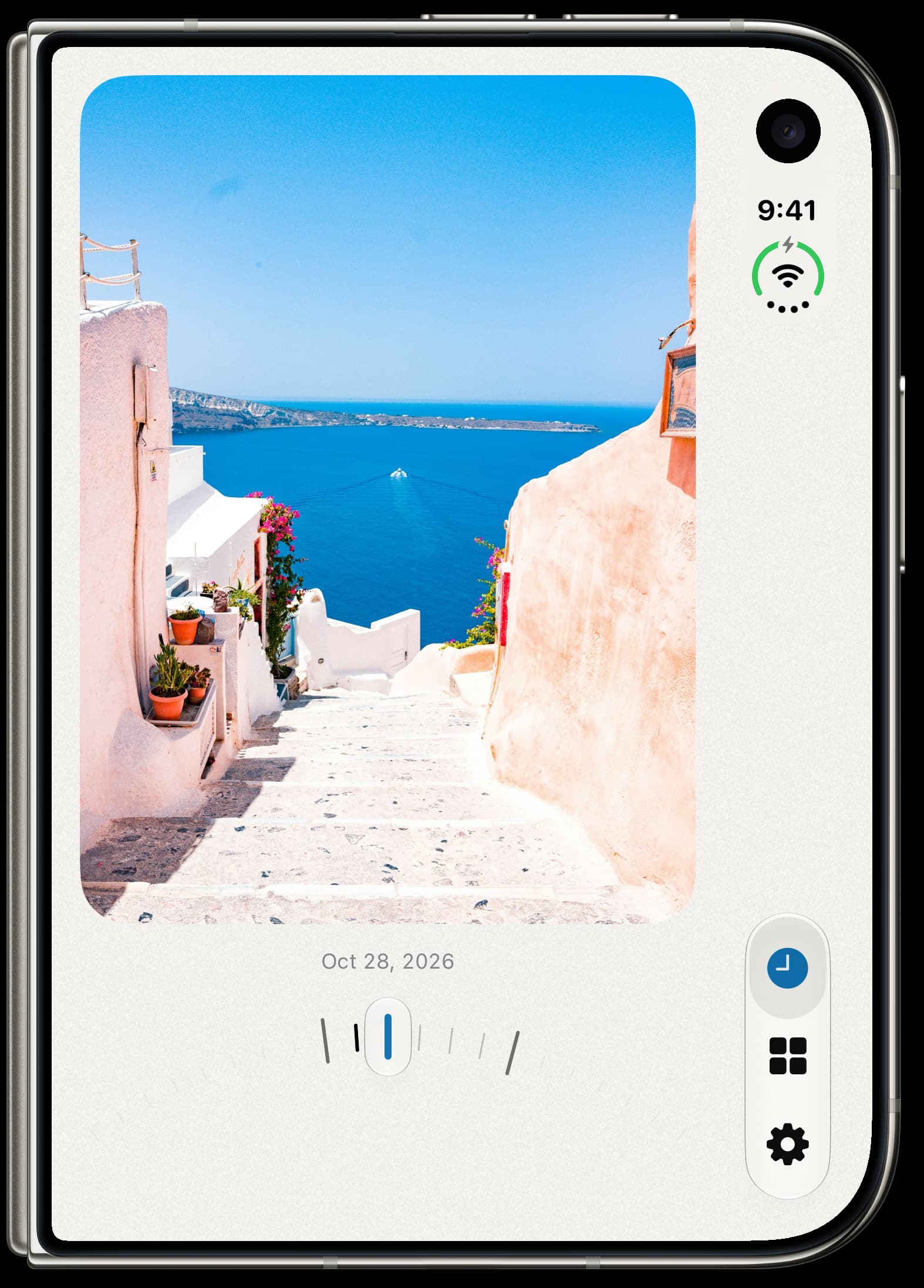
Antici Timeline on iPhone Duo, with a Santorini photo and a curved ruler for moving between moment dates.
Slide through the dates you're looking forward to.

Make room for
your favorite dates.

A countdown before it happens. A memory to come back to after.

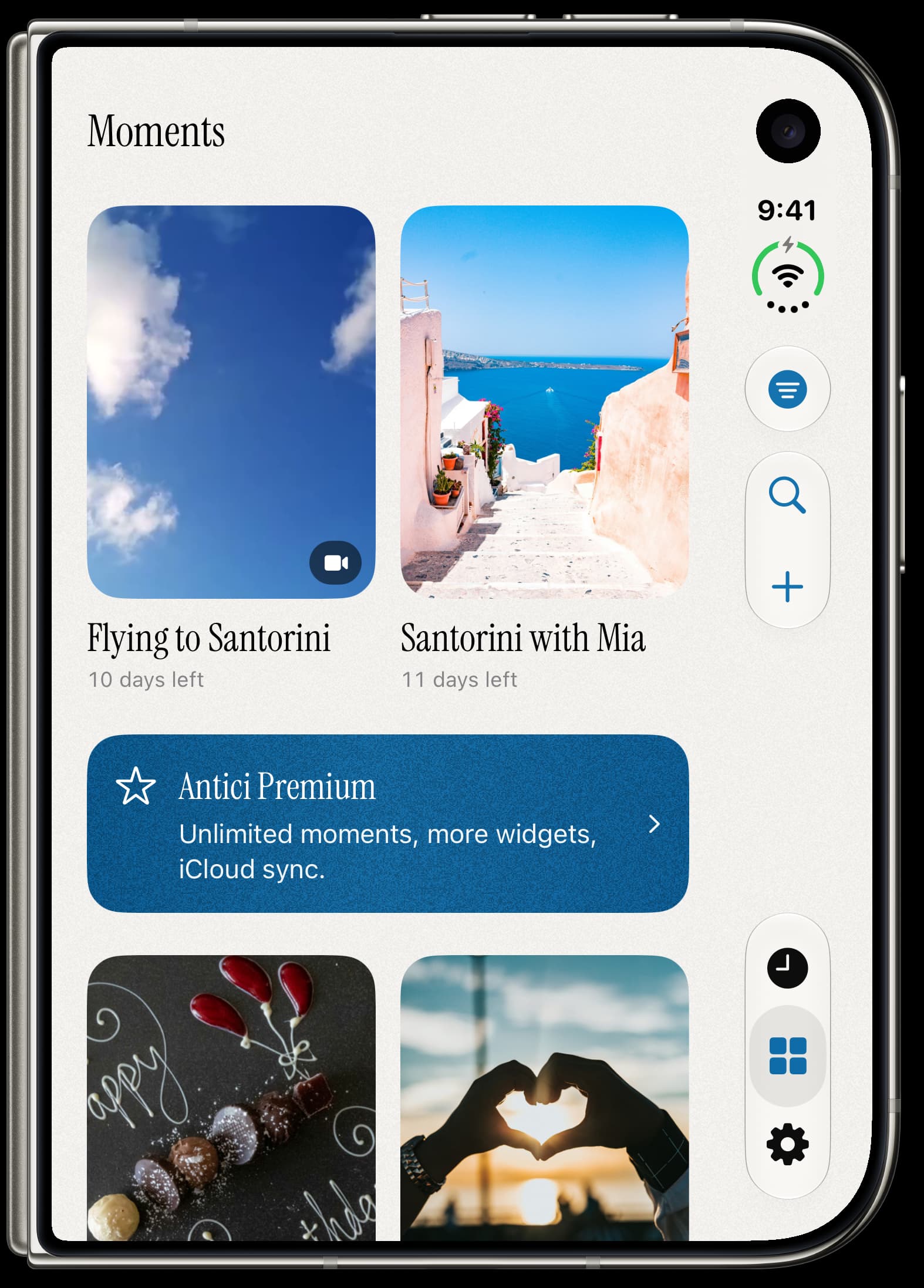
Antici Moments on iPhone Duo, with a trip video, Santorini photo, birthdays, and anniversaries.

All your moments, together.

Browse upcoming dates and past memories. Search by name, or filter your library by category.
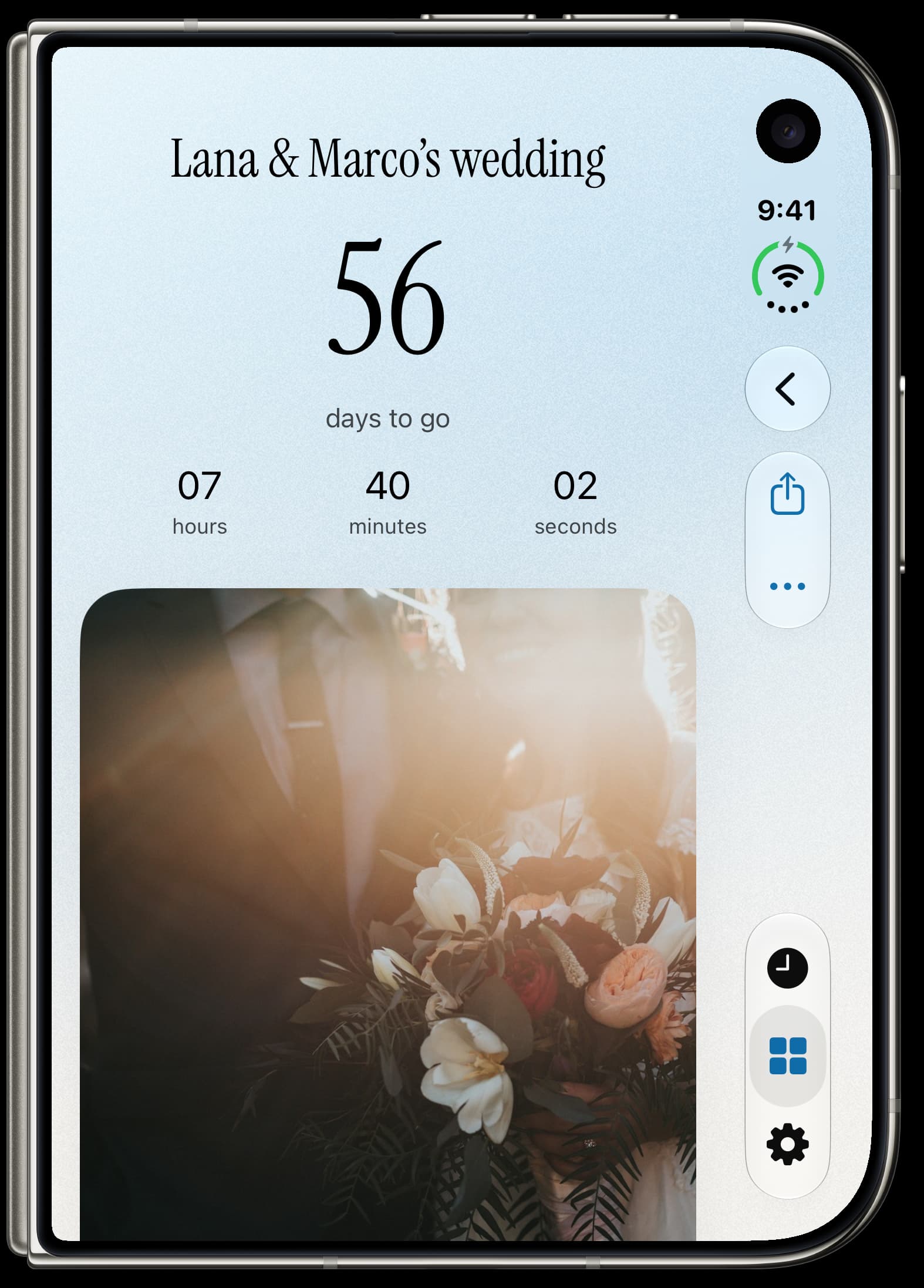
A wedding moment in Antici on iPhone Duo, with a live countdown and a large photo beneath it.

Watch the time get closer.

Open a moment for a live countdown and a closer look at your photo or video. Once the day has passed, see how long it's been.

Give the date
a little life.

Choose a photo from your library, take a new one, or review and add a short video. Add a name and date, and you're ready.

Videos loop without sound in the app. Antici keeps the first five seconds, or the whole clip if it's shorter. Your widgets and shared cards show the cover photo.

Keep a countdown on your Home Screen
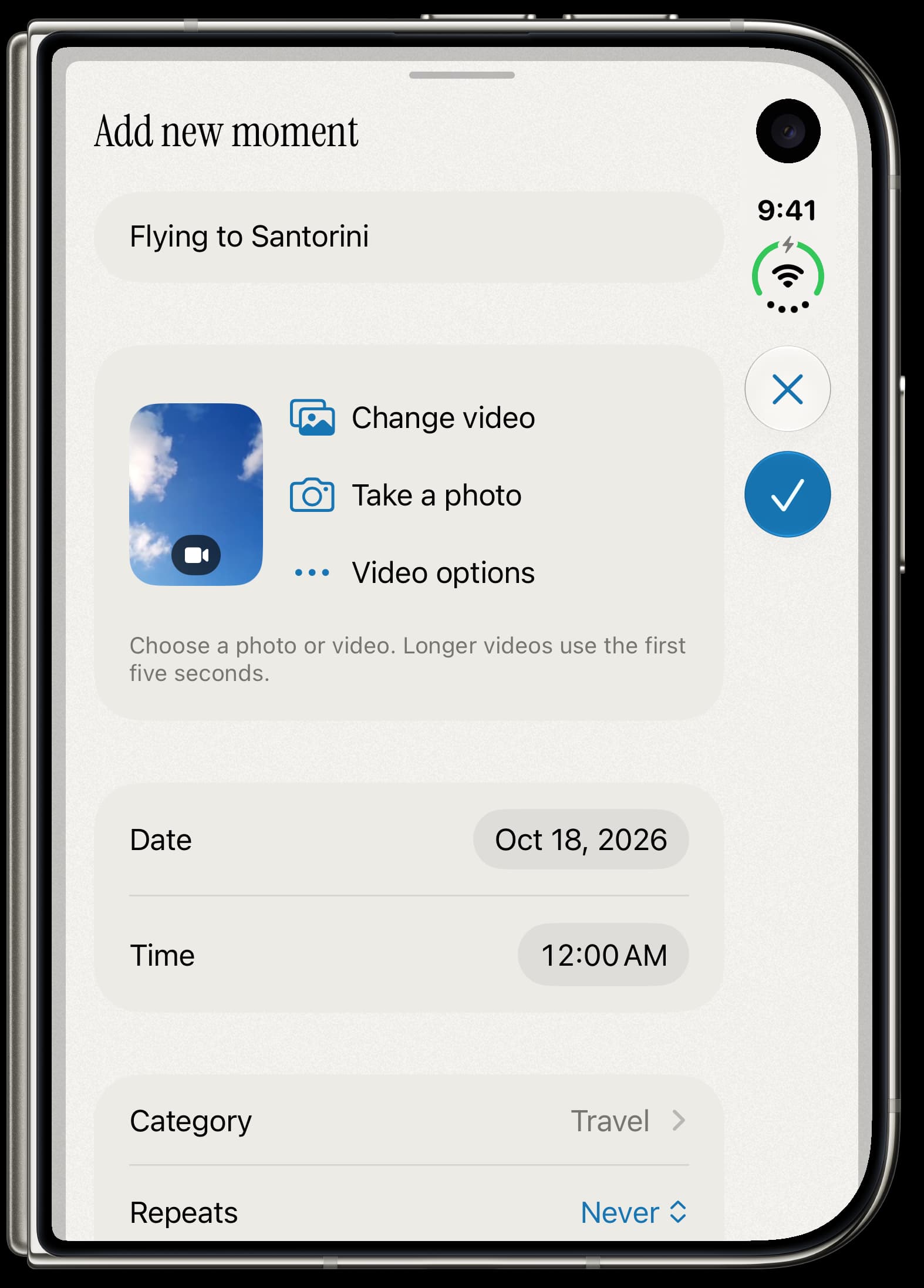
Adding Flying to Santorini in Antici on iPhone Duo, with a cloud video selected, a date, and the Travel category.

Start your next countdown.

Download on the App Store

Want more? Antici Premium adds unlimited moments and categories, larger and Lock Screen widgets, private iCloud sync, and shared cards without a watermark.

Questions about Antici

Is Antici free?
You can create 5 moments and 10 categories for free. Photos, videos, reminders, and the small Home Screen widget are included. Premium adds unlimited moments and categories, more widget sizes, iCloud sync, and shared cards without a watermark.
Can I use a video for a countdown?
Yes. Choose a video from Photos and review it before adding it. Antici uses the first five seconds, or the whole clip if it is shorter, and plays it on repeat without sound in the app. Widgets and shared cards use its cover photo.
Does Antici need an account?
No. You can create moments without signing up.
Can I add a moment to my Home Screen?
Yes. Add an Antici widget to your Home Screen and choose the moment you want it to show. The small widget is free. Premium adds medium, large, and Lock Screen widgets.
Does Antici sync to iCloud?
Yes, with an active, verified Antici Premium subscription and iCloud Sync enabled in Settings. The setting is on by default. Moments, photos, and videos sync through your private iCloud database. You can turn sync off at any time.
Does Antici send notifications?
Reminders are free and optional for each moment. Choose how far ahead you want to be notified in Settings, and turn reminders on or off when creating or editing a moment.